
Server Refresh vs Cloud Move: Which Is Right?
A server reaching end of warranty is rarely just a purchasing decision. It can expose wider questions about capacity, security, backup, remote working and how easily the business can grow. The server refresh vs cloud move decision should therefore start with what the organisation needs to achieve, not with a comparison of hardware specifications or monthly cloud prices.
For many UK businesses, the right answer is not entirely on-premises or entirely cloud-based. It is a considered mix that protects critical workloads, improves resilience and gives people the tools to work effectively. The value lies in making a clear, evidence-based decision before ageing infrastructure turns into an unplanned outage.
Server refresh vs cloud move: start with the business case
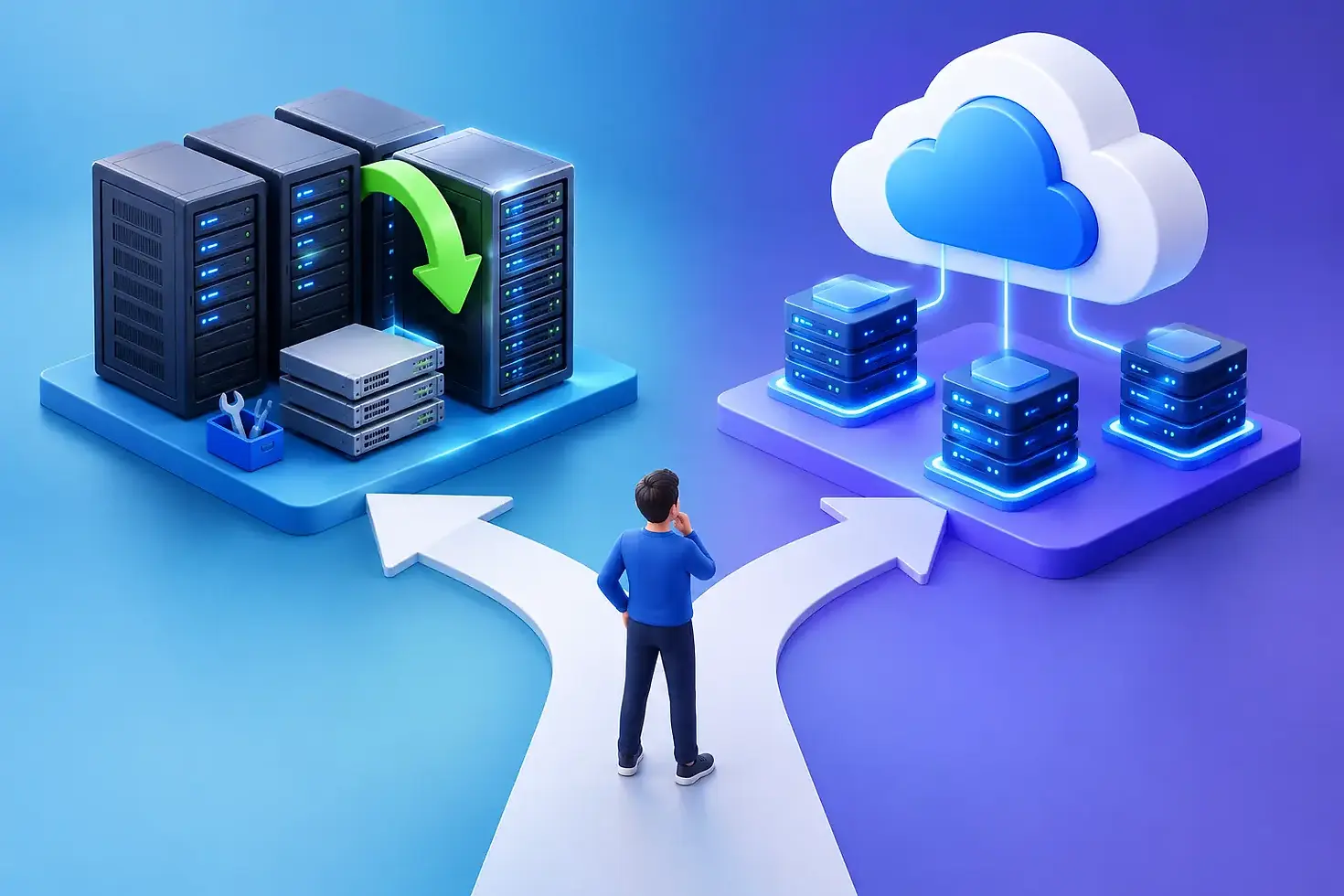
A server refresh means replacing or upgrading existing physical infrastructure, usually in an office, comms room or data centre. A cloud move transfers workloads, data or applications to hosted platforms where computing resources are delivered as a service. Both can be sensible investments. Both can also be expensive mistakes if they are treated as a like-for-like technical swap.
Begin by asking what has changed since the current environment was designed. Perhaps the workforce is now split across several sites. Perhaps a new line-of-business application needs more performance, or customers expect stronger evidence of cyber security and continuity controls. A business planning an acquisition has different priorities from one with a stable headcount and specialist software tied to local hardware.
This context matters because cloud is not automatically cheaper, and new servers are not automatically safer or simpler. The better option is the one that gives the organisation appropriate performance, control and recovery capability at a cost it can predict and manage.
When a server refresh makes commercial sense
Refreshing on-premises infrastructure can be the right route where workloads are stable, predictable and heavily dependent on local performance. File-intensive design work, manufacturing systems, older applications with strict compatibility requirements and equipment that relies on low network latency may all benefit from remaining close to the point of use.
A new server estate can also provide a known cost over a defined lifecycle. The organisation buys capacity sized to its requirements, maintains control over the environment and avoids unexpected consumption charges caused by poorly managed cloud resources. Where a business already has suitable space, power, connectivity and internal processes, this approach may be commercially attractive.
However, a refresh should never mean simply buying the newer version of the same estate. It is an opportunity to address the weaknesses that accumulated over time. That could include separating key workloads, improving storage resilience, implementing immutable backups, replacing unsupported operating systems and documenting recovery procedures. Without this work, newer hardware may only postpone the underlying risk.
On-premises infrastructure also carries responsibilities that are sometimes underestimated. Hardware failures, patching, monitoring, capacity planning, power protection and replacement cycles still need active ownership. If the business has limited IT resource, the apparent control of local servers can become a burden rather than an advantage.
When a cloud move is the stronger option
A cloud move is particularly compelling when flexibility and accessibility are more valuable than owning infrastructure. Businesses with multiple locations, remote staff or fluctuating demand can give users secure access to applications and data without building excess capacity into a server room.
The cloud can improve resilience when it is designed properly. Reputable platforms offer geographically distributed infrastructure, rapid provisioning and services that can be scaled as needs change. It can also reduce dependence on a single building, which is valuable if a local power issue, fire, flood or connectivity failure would otherwise prevent the business from operating.
Yet moving to the cloud does not transfer all responsibility to the provider. Identity security, access permissions, configuration, data protection, application updates and recovery testing remain essential. A cloud environment configured without clear governance can be exposed, difficult to control and more expensive than expected.
Application suitability is another practical consideration. Some legacy systems are technically possible to host in the cloud but perform poorly or require costly redesign. Others are better replaced with modern software-as-a-service applications rather than lifted into a virtual server. A discovery exercise should distinguish between workloads that should be retained, modernised, replaced or retired.
Compare the full cost, not just the invoice
The financial discussion is often framed as capital expenditure versus operating expenditure. That is useful, but incomplete. A server refresh has obvious upfront costs for hardware, licences, implementation and support. It may also require improved cooling, uninterruptible power, warranty cover and a future replacement budget.
Cloud expenditure is spread over time, but can vary according to storage growth, processing demand, backup retention, data transfer and licensing. A low initial estimate may rise steadily if resources are oversized or left running when no longer needed. Cloud financial management is an ongoing discipline, not a one-off procurement exercise.
A meaningful comparison should model the total cost over at least three to five years. Include software licensing, cyber security controls, backup, monitoring, connectivity, migration effort, support and the cost of downtime. Most importantly, assess the cost of getting it wrong. An environment that looks inexpensive but cannot be recovered promptly after a cyber incident is not good value.
Security and recovery should shape the decision
Security should not be used as an argument for one model over the other. Well-managed on-premises systems can be highly secure, and poorly managed cloud systems can be vulnerable. The deciding factor is whether the business can apply consistent controls and prove they are working.
For either route, strong identity management, multi-factor authentication, least-privilege access, patch management, endpoint protection and monitoring are fundamental. Backups need particular attention. They should be separate from the production environment, protected from malicious deletion and tested through real recovery exercises.
Recovery objectives bring the decision into focus. Ask how much data the business can afford to lose and how long core systems can be unavailable. If a team needs applications restored within hours from any location, cloud-hosted services or a hybrid design may be appropriate. If local operations must continue during an internet outage, on-premises capability may remain necessary.
Hybrid infrastructure is often the practical middle ground
The choice does not have to be absolute. A hybrid model can retain suitable local applications while moving collaboration, email, backup, disaster recovery or selected servers to the cloud. This approach can reduce risk gradually, avoid forcing unsuitable legacy systems into a new platform and spread investment over time.
Hybrid environments do need careful design. Identity, networking, backup, monitoring and support responsibilities must work as one service rather than as disconnected components. Otherwise, a business can inherit the complexity of both models without gaining the resilience of either.
A trusted IT partner can help create a roadmap that starts with the highest-risk or highest-value workloads. T3C Group takes this practical approach: understanding the business dependency first, then designing infrastructure that supports continuity, security and future growth.
How to make the decision with confidence
Before approving a refresh or migration, build a current picture of the estate. Record each application, its users, performance needs, data sensitivity, dependencies, licence position and recovery requirements. This often reveals systems that are no longer needed, servers that can be consolidated and applications that are ready for replacement.
Then test the preferred approach against realistic scenarios. What happens if the main office loses power? What happens if a senior employee’s account is compromised? Can a new branch be brought online quickly? Can the business absorb a significant increase in data or users without another major project? These questions connect infrastructure choices to operational outcomes.
There is no prize for choosing the most fashionable platform. The right decision is the one that gives your people dependable access to the systems they need, keeps sensitive information protected and leaves the business able to adapt. Treat the next infrastructure decision as a chance to remove friction and reduce risk, not simply as a deadline to replace ageing equipment.


